# TileMap
Source: https://maps.vietmap.vn/docs/map-api/tilemap/
Tilemap
=======
* * *
!!! tip "AI Agent Integration :sparkles: NEW"
Download the optimized doc for AI agent integration (SDK + Tilemap): **Map Display Agent Doc** · Machine-readable schema: **[OpenAPI 3.1](/docs/openapi.json)**
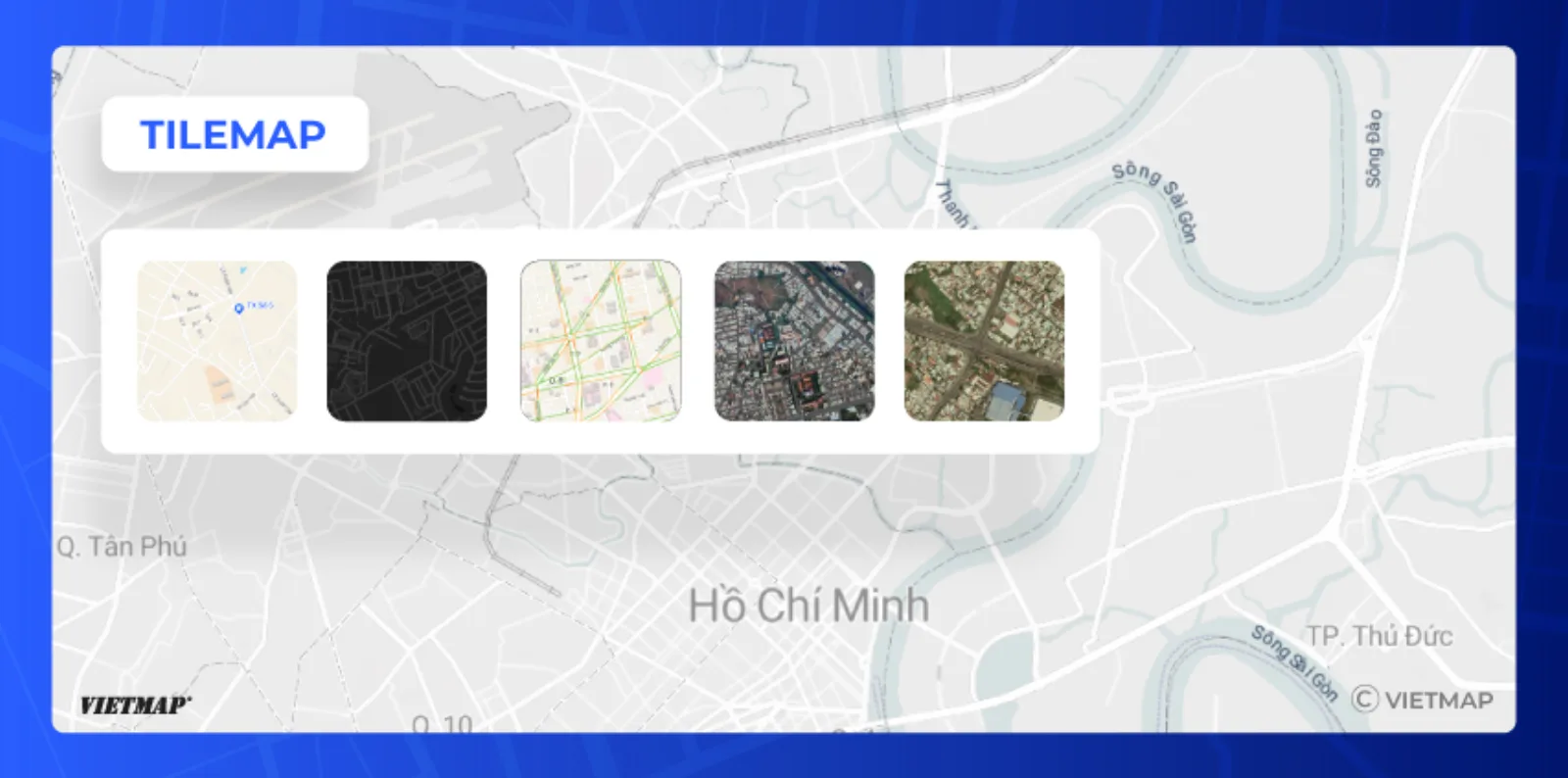
VIETMAP serves vector styles (`style.json`) for GL-based SDKs, and a raster satellite tile layer for XYZ clients such as Leaflet and OpenLayers or devices without WebGL. Pick a style from the tables below and pass its URL to your SDK.
VIETMAP serves two tile formats:
* **Vector** — a `style.json`; pass it to a VIETMAP SDK or any GL-based library (see *Vector styles* below).
* **Raster** — PNG tiles at `{z}/{x}/{y}`; use with Leaflet/OpenLayers (see *Raster tiles* below).
Preview on our Live Map: [https://tools.vietmap.vn/live](https://tools.vietmap.vn/live)
### Vector
Vector styles are rendered client-side, so you can change colors, labels, icons and layer order by editing the `layers` in `style.json` or through the SDK's runtime styling API (`setPaintProperty`, `setLayoutProperty`) — no server-side re-rendering needed.
To render a vector style, use the [Web SDK](https://maps.vietmap.vn/docs/sdk-web-gl/overview/), [Flutter SDK](https://maps.vietmap.vn/docs/sdk-mobile/Flutter/map/), [React Native SDK](https://maps.vietmap.vn/docs/sdk-mobile/react-native/map/), [Android SDK](https://maps.vietmap.vn/docs/sdk-mobile/sdk-android/map/) or [iOS SDK](https://maps.vietmap.vn/docs/sdk-mobile/sdk-ios/map/). Any GL-based library (MapLibre, Mapbox GL) also accepts the `style.json` URLs below. For an existing Leaflet app, see [Leaflet Integration](https://maps.vietmap.vn/docs/map-api/tilemap-leaflet/).
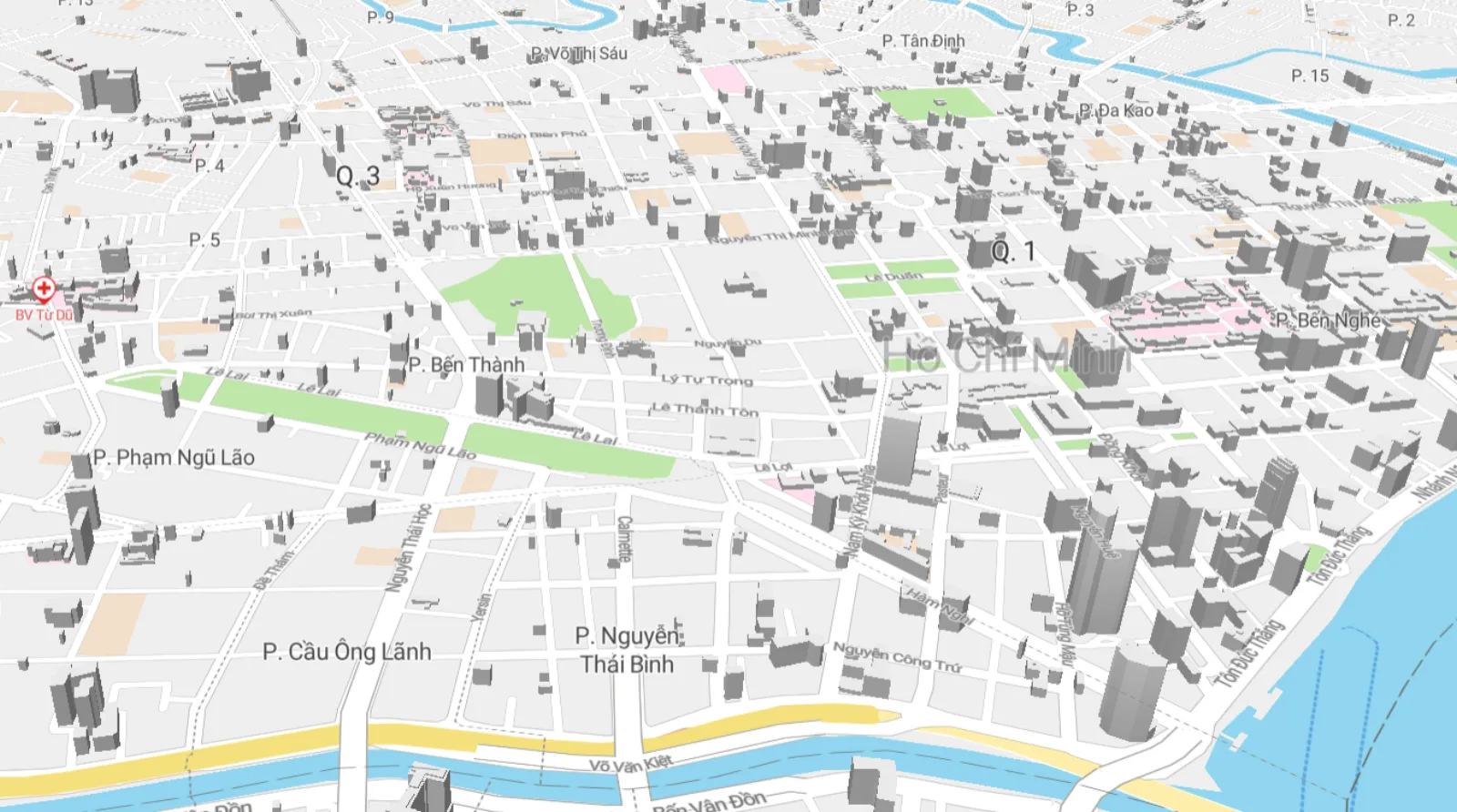
Street map
### VietMap Maps SDK Integration
Version requirement: Web SDK v6.0.0 or later. Mobile SDKs (Flutter, React Native, Android, iOS) accept these styles on every version.
**Vector styles** — pass the `style.json` URL directly to any VietMap SDK's `style` parameter:
|Style|Description|URL| Playground |
|--- |--- |--- | --- |
|Vector Default (Street)|Standard street map.|`https://maps.vietmap.vn/maps/styles/tm/style.json?apikey={your-apikey}`|[View](https://tools.vietmap.vn/playground/tilemap?style=tm¢er=21.0285,105.8542&zoom=14)|
|Vector Light|Light, low-contrast variant of Street.|`https://maps.vietmap.vn/maps/styles/lm/style.json?apikey={your-apikey}`|[View](https://tools.vietmap.vn/playground/tilemap?style=lm¢er=21.0285,105.8542&zoom=14)|
|Vector Dark|Dark variant of Street.|`https://maps.vietmap.vn/maps/styles/dm/style.json?apikey={your-apikey}`|[View](https://tools.vietmap.vn/playground/tilemap?style=dm¢er=21.0285,105.8542&zoom=14)|
|Vector Hybrid|Satellite imagery with road and POI labels.|`https://maps.vietmap.vn/maps/styles/hm/style.json?apikey={your-apikey}`|[View](https://tools.vietmap.vn/playground/tilemap?style=hm¢er=21.0285,105.8542&zoom=14)|
|Custom style|Your own colors, icons and labels, made in [Map Editor](https://tools.vietmap.vn/map-editor/) ([guide](https://maps.vietmap.vn/docs/map-api/map-editor/)).|Copy the style link from **Share & embed** in Map Editor|Open `…/playground/tilemap?custom=` + the style ID (the part between `/styles/` and `/style.json` in the style link)|
**Traffic overlay** — a vector style that colors real-time congestion, merged on top of the active base style. See [Traffic layer](https://maps.vietmap.vn/docs/map-api/traffic-layer/) for how to merge it, what the style contains, and its zoom range.
**Raster tiles** — use as an XYZ tile source in Leaflet, OpenLayers, or a GL JS raster source:
|Style|Description|URL|
|--- |--- |--- |
|Satellite|Raw satellite imagery, no road labels.|`https://maps.vietmap.vn/maps/tiles/st/{z}/{x}/{y}.png?apikey={your-apikey}`|
!!! note "Hybrid vs Satellite"
**Satellite** (`st`) is raw raster imagery with no labels — use as an XYZ raster source. **Hybrid** (`hm`) is a full vector style with satellite imagery + road/POI labels — use the `style.json` URL with any GL-based SDK.
### Using Leaflet
Already have a Leaflet project? The `@vietmap/vietmap-gl-leaflet` package wraps the VIETMAP vector base map as a Leaflet layer, so you keep the Leaflet API and every plugin you already use — see [Leaflet Integration](https://maps.vietmap.vn/docs/map-api/tilemap-leaflet/).
!!! warning "Restrict your API key"
Tile and style URLs expose your API key in the browser. Add an HTTP referer allowlist and a per-IP rate limit to the key — see [Manage API Key](https://maps.vietmap.vn/docs/map-api/console/manage-api-key/).