Tilemap
AI Agent Integration  NEW
NEW
Download the optimized doc for AI agent integration (SDK + Tilemap): Map Display Agent Doc · Machine-readable schema: OpenAPI 3.1
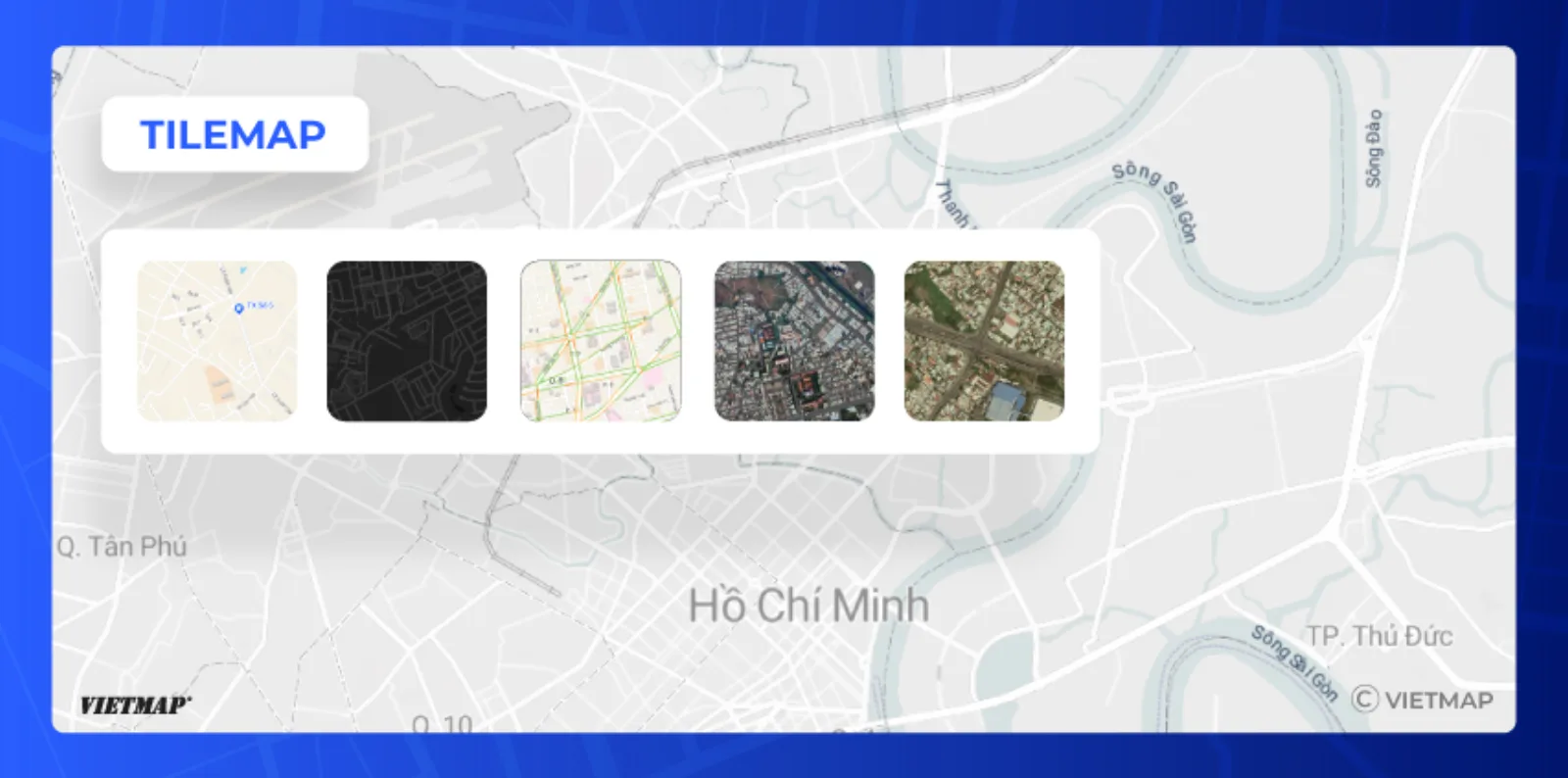
VIETMAP serves vector styles (style.json) for GL-based SDKs, and a raster satellite tile layer for XYZ clients such as Leaflet and OpenLayers or devices without WebGL. Pick a style from the tables below and pass its URL to your SDK.
VIETMAP serves two tile formats:
- Vector — a
style.json; pass it to a VIETMAP SDK or any GL-based library (see Vector styles below). - Raster — PNG tiles at
{z}/{x}/{y}; use with Leaflet/OpenLayers (see Raster tiles below).
Preview on our Live Map: https://tools.vietmap.vn/live
Vector
Vector styles are rendered client-side, so you can change colors, labels, icons and layer order by editing the layers in style.json or through the SDK's runtime styling API (setPaintProperty, setLayoutProperty) — no server-side re-rendering needed.
To render a vector style, use the Web SDK, Flutter SDK, React Native SDK, Android SDK or iOS SDK. Any GL-based library (MapLibre, Mapbox GL) also accepts the style.json URLs below. For an existing Leaflet app, see Leaflet Integration.
VietMap Maps SDK Integration
Version requirement: Web SDK v6.0.0 or later. Mobile SDKs (Flutter, React Native, Android, iOS) accept these styles on every version.
Vector styles — pass the style.json URL directly to any VietMap SDK's style parameter:
| Style | Description | URL | Playground |
|---|---|---|---|
| Vector Default (Street) | Standard street map. | https://maps.vietmap.vn/maps/styles/tm/style.json?apikey={your-apikey} |
View |
| Vector Light | Light, low-contrast variant of Street. | https://maps.vietmap.vn/maps/styles/lm/style.json?apikey={your-apikey} |
View |
| Vector Dark | Dark variant of Street. | https://maps.vietmap.vn/maps/styles/dm/style.json?apikey={your-apikey} |
View |
| Vector Hybrid | Satellite imagery with road and POI labels. | https://maps.vietmap.vn/maps/styles/hm/style.json?apikey={your-apikey} |
View |
| Custom style | Your own colors, icons and labels, made in Map Editor (guide). | Copy the style link from Share & embed in Map Editor | Open …/playground/tilemap?custom= + the style ID (the part between /styles/ and /style.json in the style link) |
Traffic overlay — a vector style that colors real-time congestion, merged on top of the active base style. See Traffic layer for how to merge it, what the style contains, and its zoom range.
Raster tiles — use as an XYZ tile source in Leaflet, OpenLayers, or a GL JS raster source:
| Style | Description | URL |
|---|---|---|
| Satellite | Raw satellite imagery, no road labels. | https://maps.vietmap.vn/maps/tiles/st/{z}/{x}/{y}.png?apikey={your-apikey} |
Hybrid vs Satellite
Satellite (st) is raw raster imagery with no labels — use as an XYZ raster source. Hybrid (hm) is a full vector style with satellite imagery + road/POI labels — use the style.json URL with any GL-based SDK.
Using Leaflet
Already have a Leaflet project? The @vietmap/vietmap-gl-leaflet package wraps the VIETMAP vector base map as a Leaflet layer, so you keep the Leaflet API and every plugin you already use — see Leaflet Integration.
Restrict your API key
Tile and style URLs expose your API key in the browser. Add an HTTP referer allowlist and a per-IP rate limit to the key — see Manage API Key.