Create an account and get your VIETMAP API keys
To use VIETMAP APIs and services, you need to register an account at https://maps.vietmap.vn/console-v2/register
What a new account gets
60,000 free transactions — around 3,000,000 ₫ of usage. No credit card required. See how requests convert into transactions or the pricing plans.
Registration Steps
1. Access the Registration Page
Navigate to the registration page at: https://maps.vietmap.vn/console-v2/register
2. Fill in Registration Information
You need to provide all required information. If you are a student or an individual user, you can fill in the fields as follows:
- Student: Use your school name for Company Name, and education email for Company Email.
- Individual: Use "Individual" for Company Name, and your personal email for Company Email.
3. Accept Terms and Conditions
- Read and agree to Vietmap's Terms and Conditions
- Check the box "I accept the terms and conditions"
4. Complete Registration
- After filling in all required information, accepting the terms, and submitting the form, an email will be sent to the provided email address for verification.
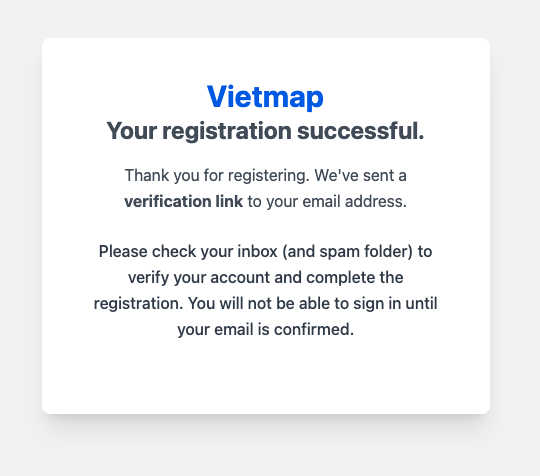
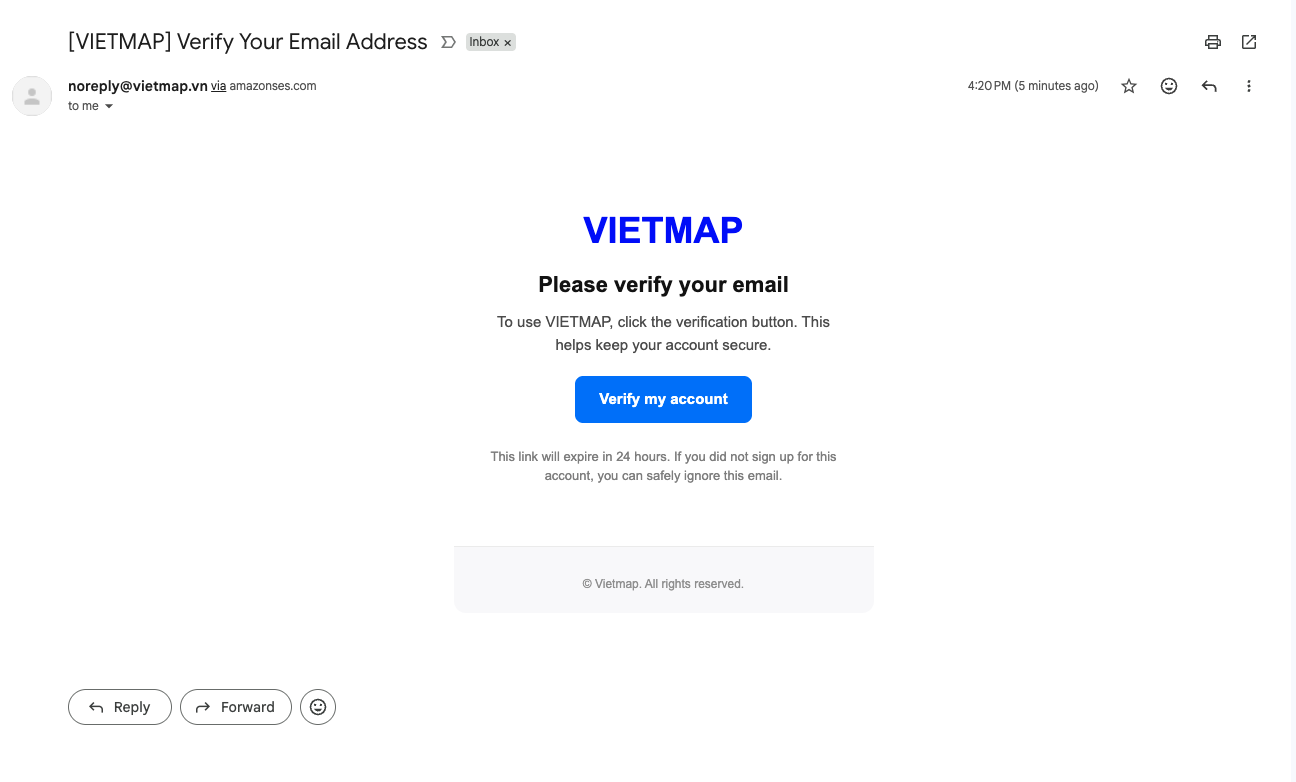
5. Check your email and verify your account
- We will send a verification email to the provided email address. Please check your inbox or spam folder to verify your account. The verification URL will expire in 24 hours, so please make sure to verify your account within this time frame.
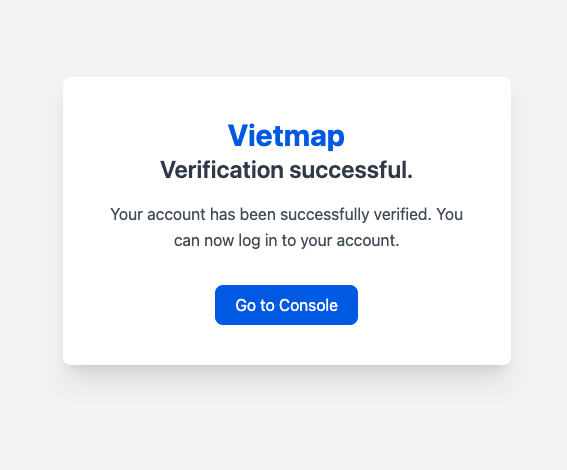
6. Verification successful
7. Get your API keys by email
Right after you verify your address, you receive a second email titled Account Registration Information carrying both API keys. They work immediately — there is no approval step.
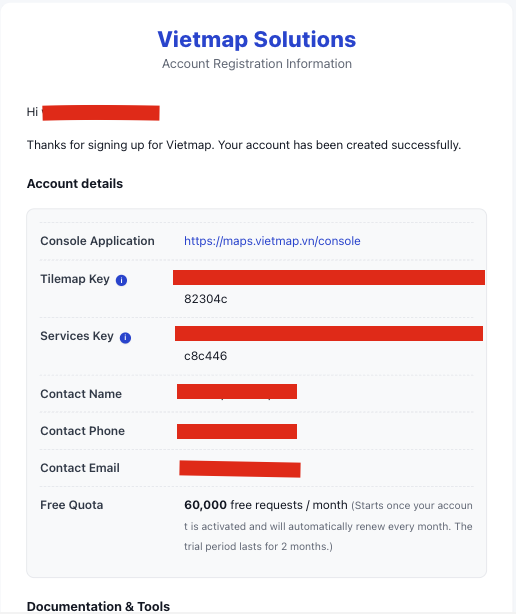
- Services key — for the Map APIs: address search, geocoding, routing, matrix, route optimization. Keep it on your backend.
- Tilemap key — renders the base map inside the SDKs. This one runs in client-side code, so restrict it by domain in the Console. See API Key Management.
The two keys are not interchangeable. Calling a Map API with the tilemap key returns 423.
8. Make your first request
curl "https://maps.vietmap.vn/api/autocomplete/v4?apikey=YOUR_SERVICES_KEY&text=197%20tran%20phu&focus=10.7588,106.6753"
Response (trimmed):
[
  {
    "ref_id": "geocode:RAkPcicmZ3d-NQ...",
    "address": "Phường 4,Quận 5,Thành Phố Hồ Chí Minh",
    "name": "197 Trần Phú",
    "display": "197 Trần Phú Phường 4,Quận 5,Thành Phố Hồ Chí Minh"
  }
]
| Code | Meaning |
|---|---|
200 |
Success |
401 |
Wrong API key |
423 |
Out of quota, or this API is not enabled for the key — details are in the response body |
Not a command-line person? Type the same address into the Autocomplete Playground to see the result on a map.
To try several APIs at once, use the ready-made Postman collection.
Support
If you encounter any issues during registration, please contact:
- Zalo OA: Vietmap Solutions
- Email: maps.info@vietmap.vn
- Website: https://maps.vietmap.vn
Next Steps
After creating your account, refer to the following documentation:
Note: All information you provide will be kept confidential by Vietmap according to our privacy policy.